Turn raw screens into
App Store creatives
Upload your screens. We design polished, on-brand App Store screenshots in seconds — no designer, no design tools, no back-and-forth.
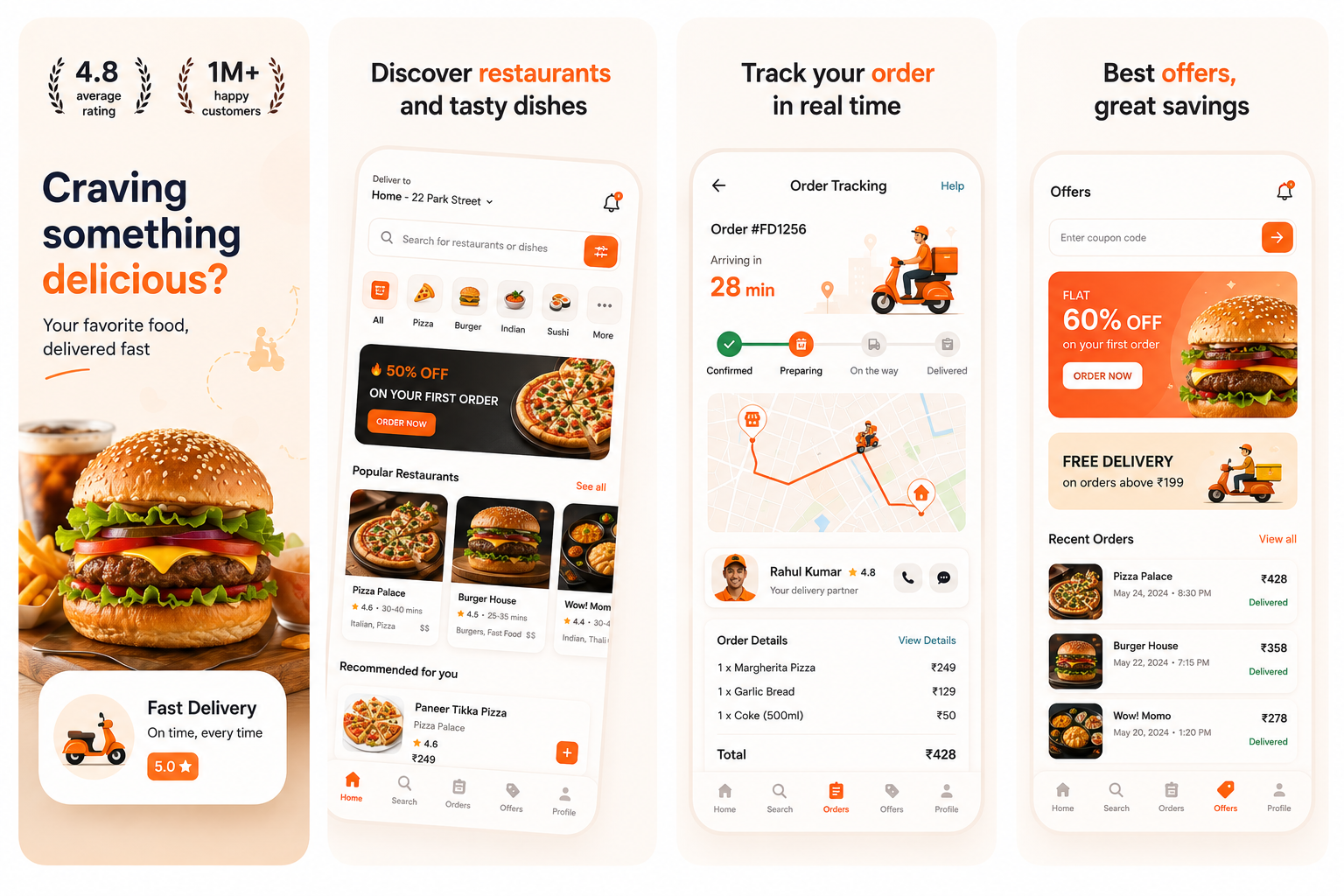
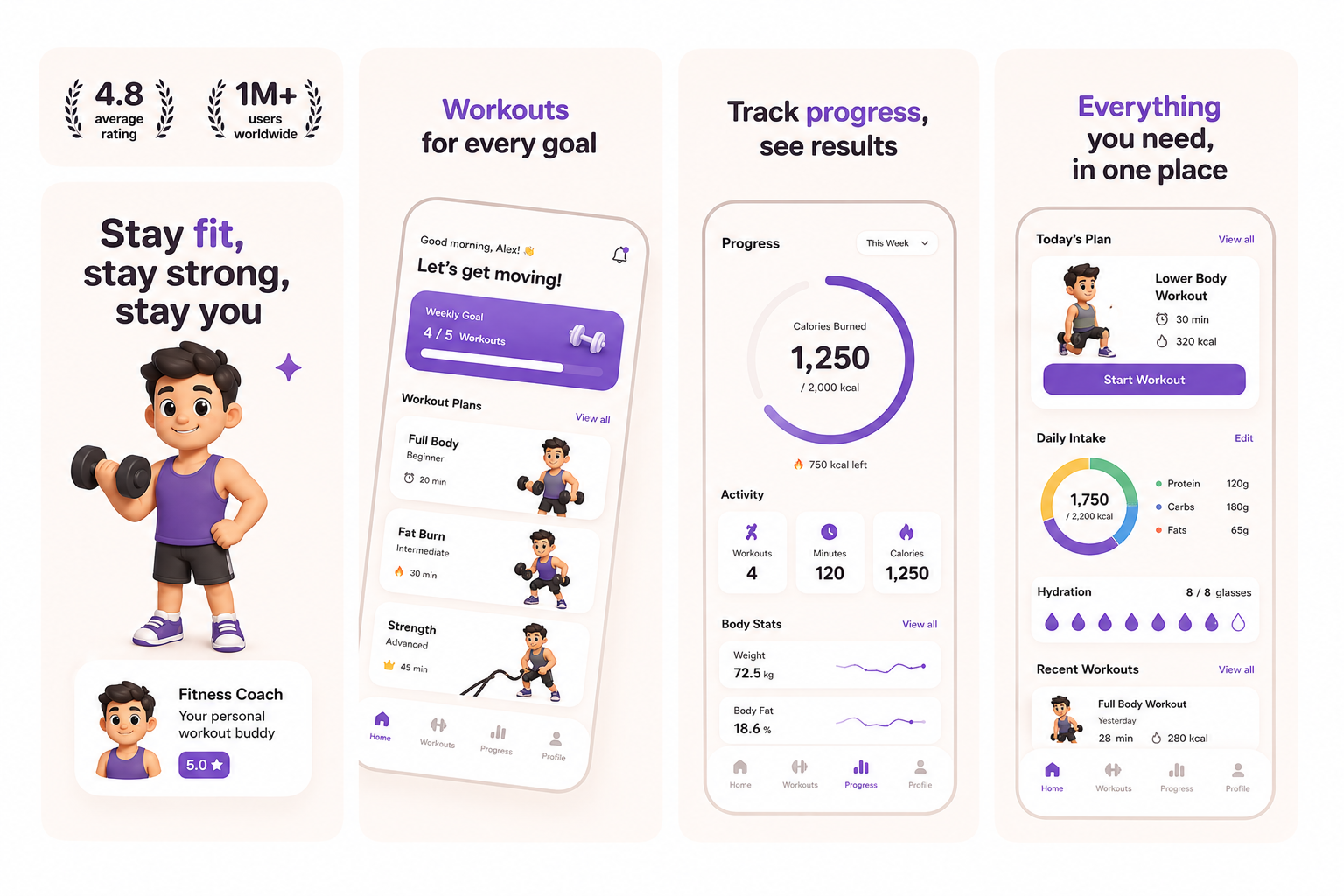
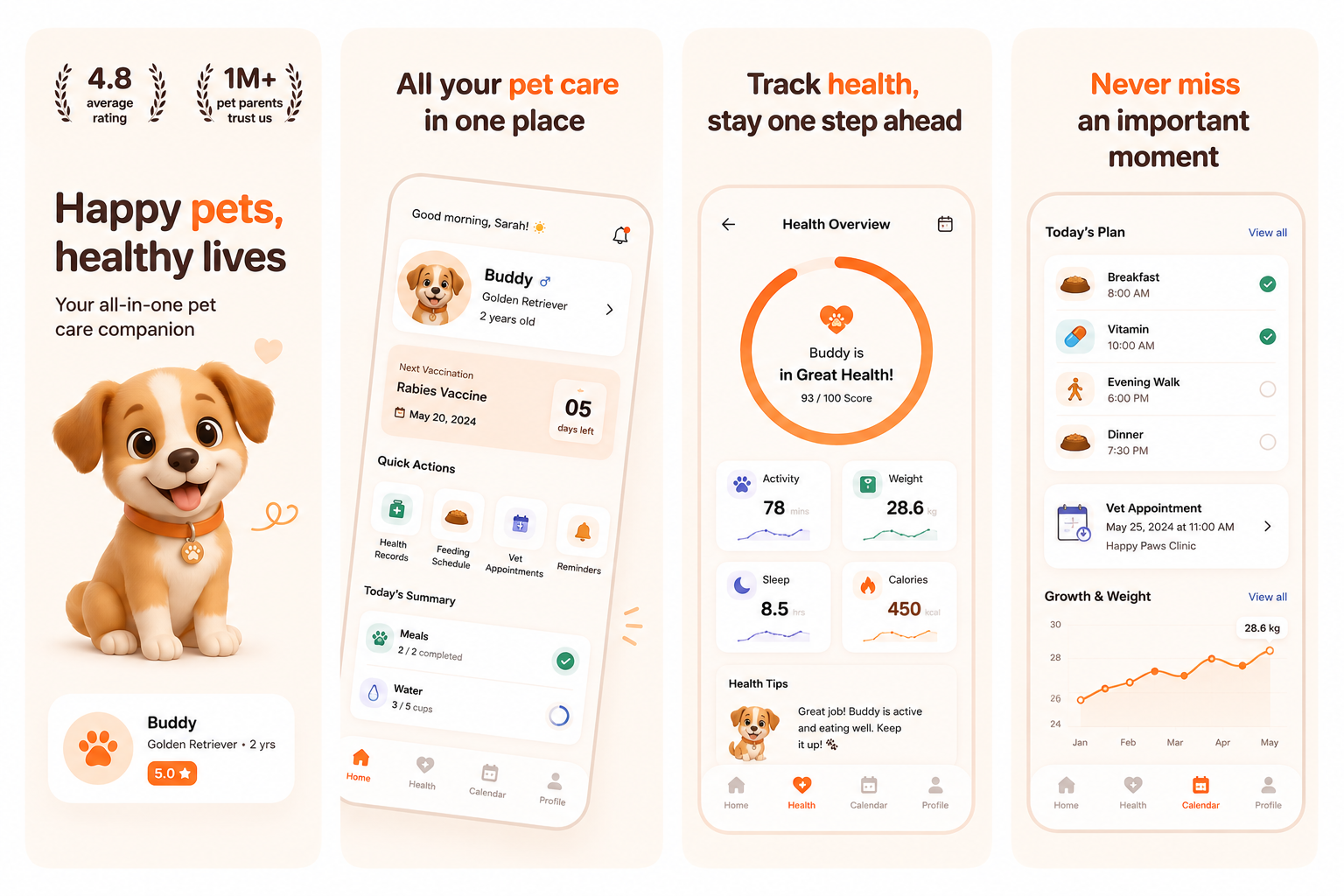
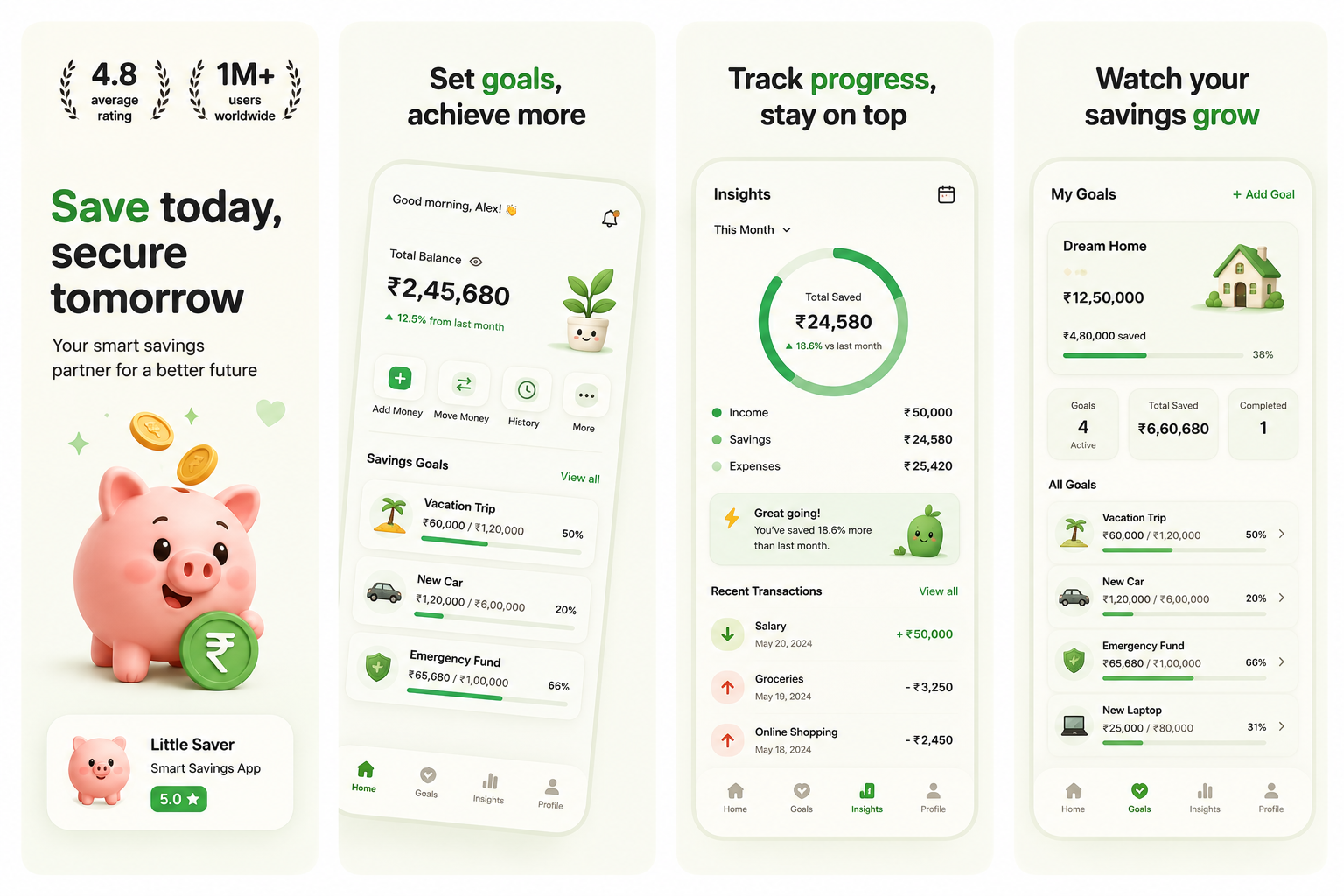
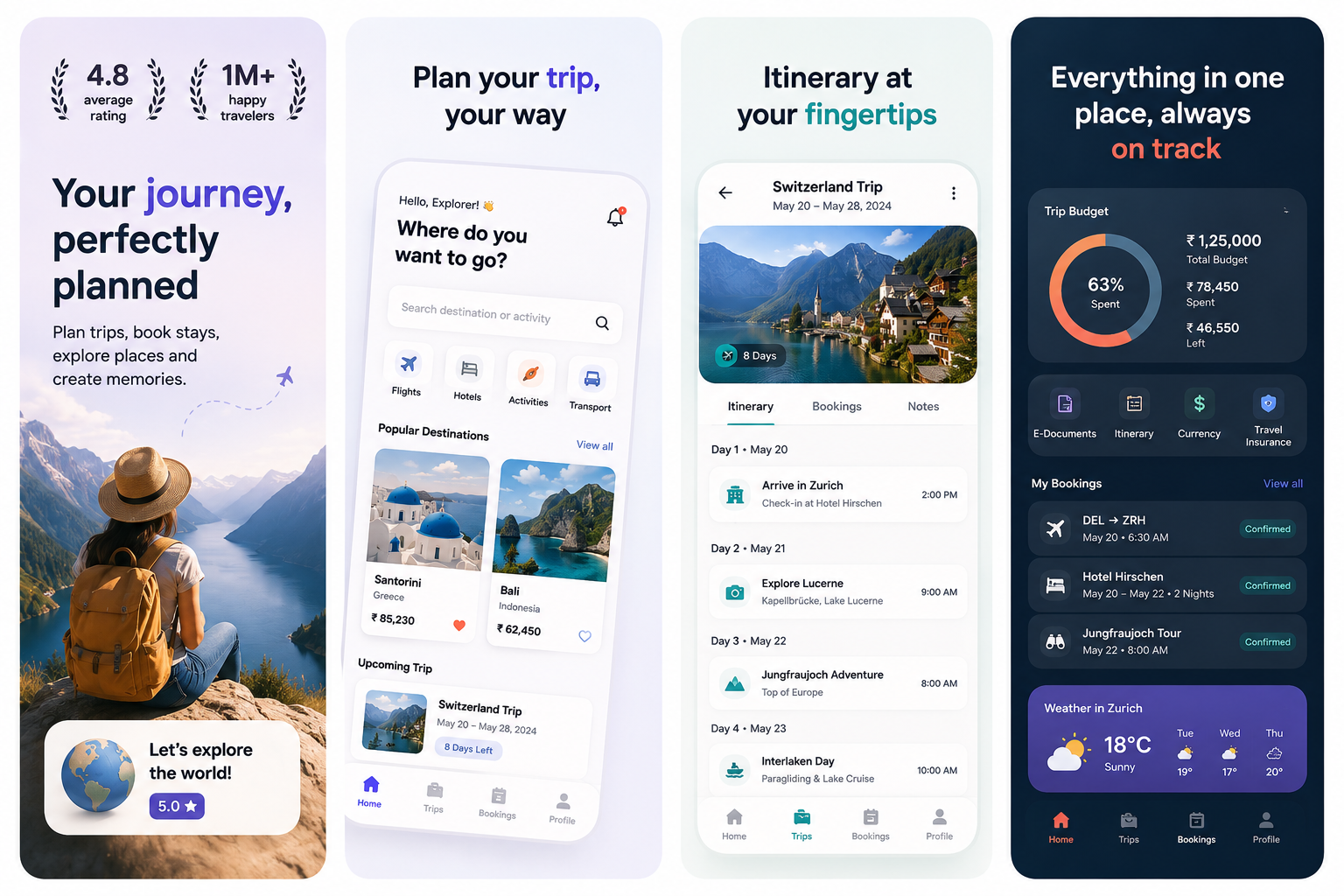
Three steps to store-ready screenshots
No design skills. No waiting on designers. Just upload, customize, and export.
Upload your screens
Drop in raw screenshots from Figma, Xcode, or any mobile browser. Our layout engine auto-detects content and applies frames instantly.
Pick your style
Choose from curated visual directions. Customize headlines, backgrounds, fonts, and borders. Colors and shadows adapt automatically.
Export and publish
Download pixel-perfect PNGs in all required dimensions for iOS and Android. Upload directly to App Store Connect in minutes.
Click to upload raw screen
Accepts Figma export, PNG, or JPG files
29 screenshot sets, zero designers
Every set below started as plain app screens. Browse by category to see what your listing could look like.
Yours takes about 40 seconds. Upload screens, pick a style, export.
Generate my screenshotsEverything you need to ship faster
Built for product teams who’d rather focus on the product than pixel-pushing.
AI-powered layouts
Our engine analyzes your content and automatically suggests the best composition, headline placement, and visual hierarchy.
Brand color extraction
Upload your app icon or brand kit. We extract your palette and apply it consistently across every screenshot set.
10+ locales, instantly
Generate localized screenshot sets for all your App Store territories. Headlines, currencies, and formats handled automatically.
Device frames & shadows
Realistic device frames with proper shadows, reflections, and chamfers. iPhone, iPad, Android — all rendered natively.
Instant previews
See your full App Store listing preview before exporting. Iterate on headlines, ordering, and framing in real time.
App Store compliant
All exports meet Apple's strict screenshot requirements — correct dimensions, safe zones, and file sizes guaranteed.
What teams are saying
“We used to spend 2-3 days on every App Store update just on screenshots. With App Mockup Generator AI, our marketing team handles it in minutes. The quality is honestly better than what our contractors delivered.”
“I have zero design skills but my screenshots look like they were done by a senior designer. The brand color extraction is magical — everything just works together.”
“We ship to 12 locales. Before App Mockup Generator AI, localization was a nightmare. Now we update all markets in under an hour. Our conversion rate in Japan went up 34% after switching.”
Plans for every launch stage
Start small. Scale when you need more. Same quality output, same fast workflow.
Try out our generative engine
- 3 credits included
- 1 credit per screenshot
- High-converting headline layouts
- Clean device framing
- Premium style presets
Perfect for independent developers
- 50 credits per month
- 1 credit per screenshot
- High-converting headline layouts
- All device shells (phone & laptop)
- Standard presets included
For active, growing products
- 150 credits per month
- Everything in Starter
- All device shells + style presets
- Multi-locale screenshot sets
- Priority generation support
For studios shipping many apps
- 400 credits per month
- Everything in Pro
- Bulk locale exports
- Full-catalogue ZIP delivery
- Priority support
Questions before you switch?
For most teams, absolutely. Our layouts are built on conversion data from thousands of top-ranking apps. You get proven, polished designs without the 2-3 day turnaround or $500+ freelancer cost.
Not at all. You upload your raw screenshots and pick a visual direction. We handle composition, typography, spacing, and device framing. If you can drag and drop, you can create beautiful App Store assets.
One credit is used to generate one screenshot mockup. On the free plan you get 3 credits, while paid plans offer 50, 150 or 400 credits per month to fit your release schedule. Yearly plans grant the whole year's allowance up front.
Yes, absolutely. You hold full intellectual property ownership of the screenshots you upload and the generated mockup scenes. All outputs include a complete commercial license, allowing you to use them for App Store graphics, landing pages, or marketing campaigns.
Yes. All screenshots export in lossless high-resolution PNG format, ensuring crisp detail on Retina displays, iPads, and high-DPI Android devices.