App Store gallery frame
A framed screen with a benefit headline above it, on a background pulled from your own palette. Exports at 1290 × 2796 with safe-zone margins and no transparency.
Exports at 1290 × 2796
Upload one screen. Get it framed in current iPhone hardware, on a backdrop drawn from your own colours, exported at the size the App Store expects — or at any size your landing page needs.
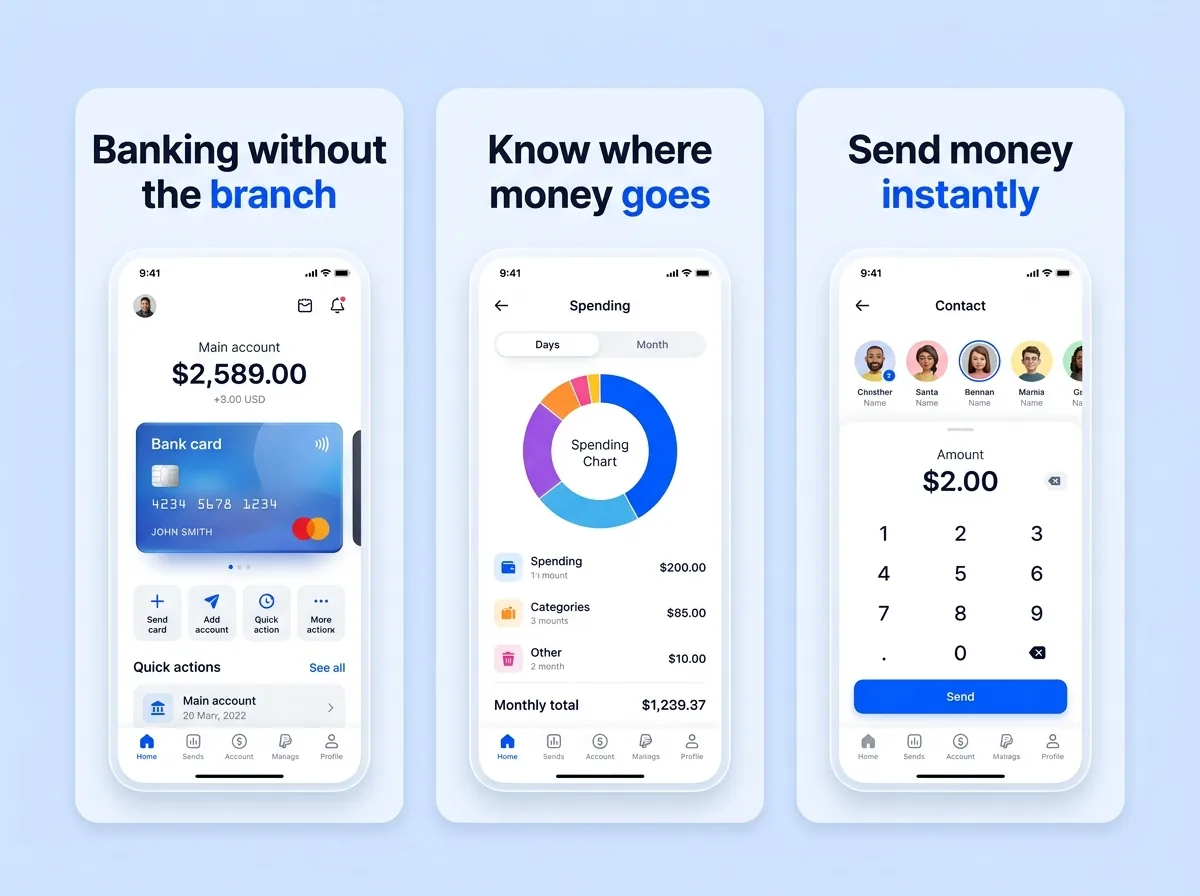
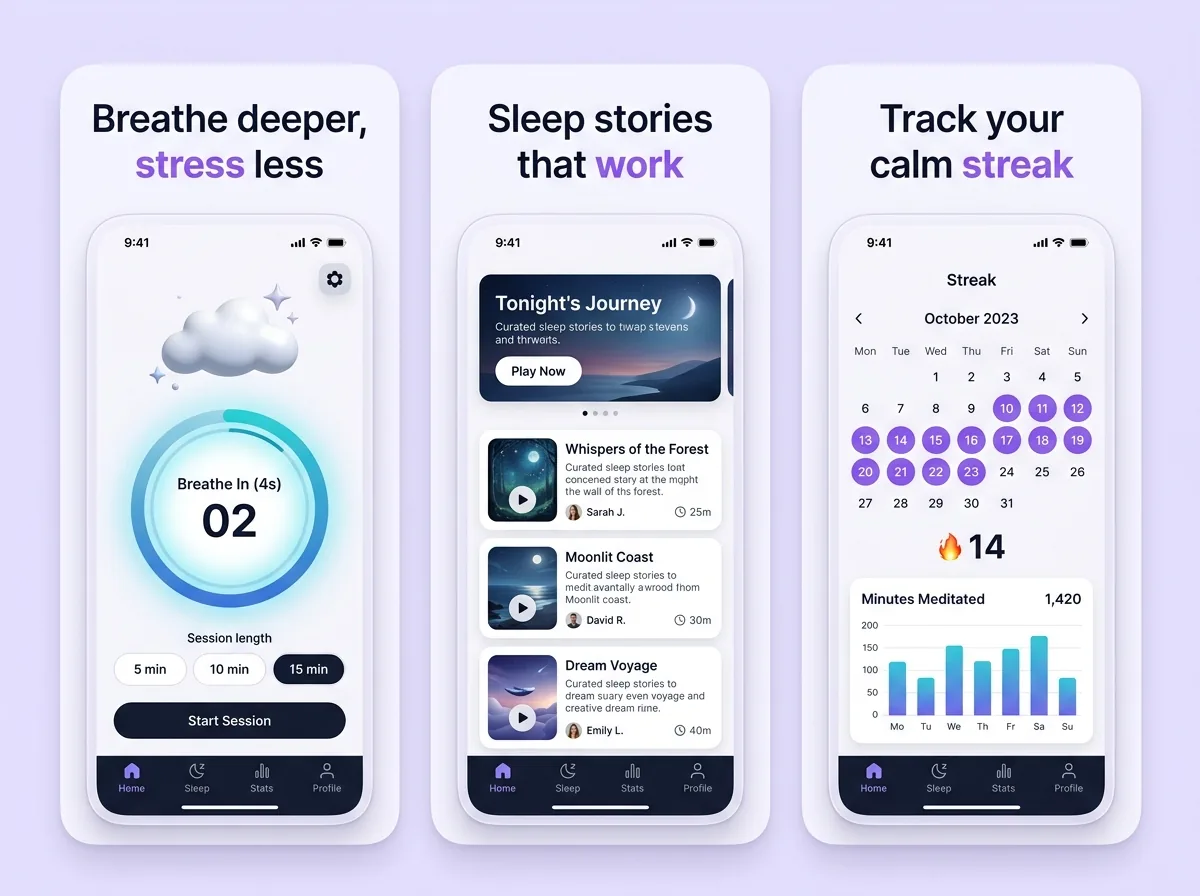
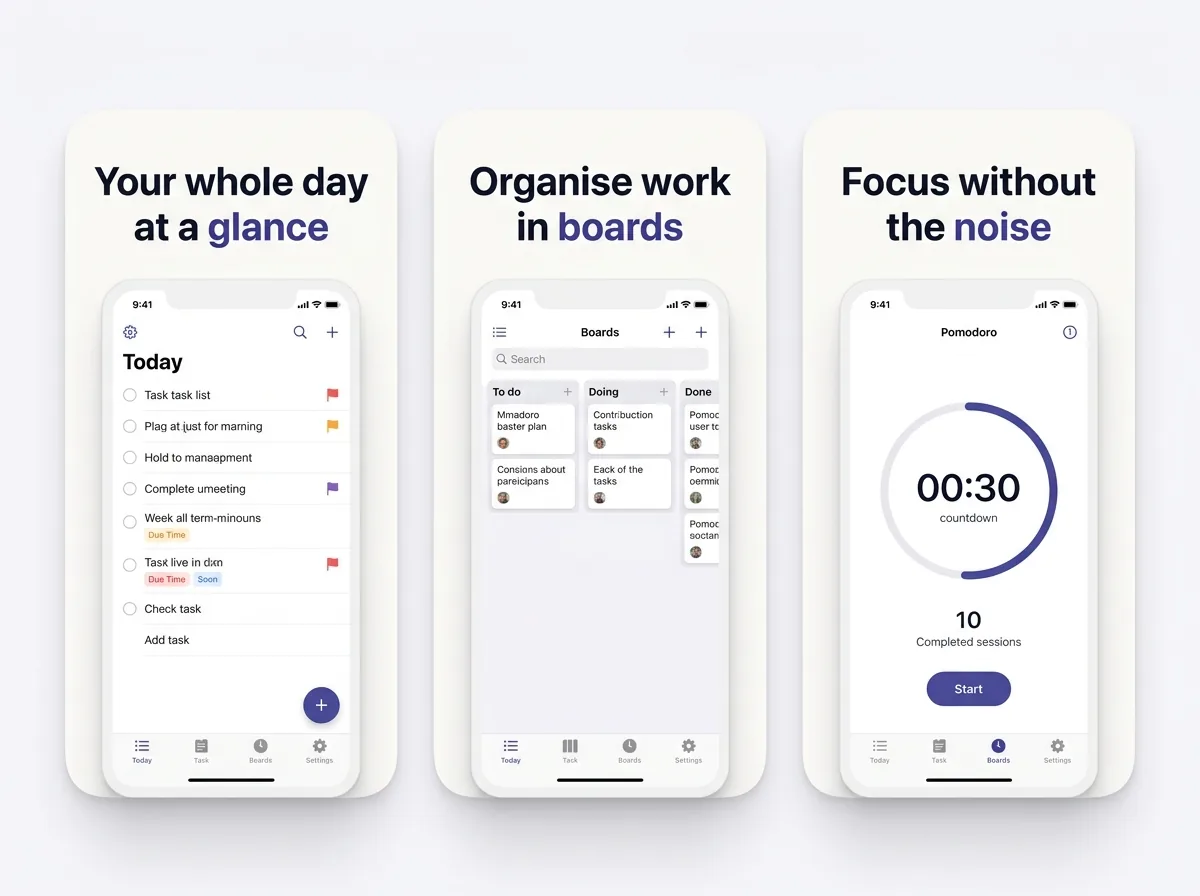
The same upload produces all three. They differ in framing, not in effort.
A framed screen with a benefit headline above it, on a background pulled from your own palette. Exports at 1290 × 2796 with safe-zone margins and no transparency.
Exports at 1290 × 2796
The same screen at an angle with depth, reflections and a floating-card composition — the shot that goes above the fold on your marketing site or in a launch tweet.
Exports at Any ratio
Clean, high-contrast framing with generous negative space, so the screen still reads when it is projected or dropped into a press kit at half size.
Exports at Original size
None of them are hard individually. Getting all six right by hand, for every screen, in every language, is where the afternoon goes.
Your own palette, restrained type, gradient mesh backdrop. The safe default for a store gallery.
Deep saturated backdrop, oversized headline, strong directional rim light. Built to survive thumbnail scale.
Off-white or pastel backdrop, thin type, generous negative space. Reads as premium in productivity and finance.
Device at a perspective angle with floating glass UI cards and parallax behind it. The landing-page look.
Each variation costs one credit and comes back as a genuinely different composition rather than a re-roll. More on how they behave in screenshot styles & templates.
Current flagship hardware — the 6.9" iPhone family, which is what App Store Connect asks you to upload for. That single set scales down to every smaller iPhone family automatically, so one frame covers the whole lineup.
Yes. Export the frame as PNG at any resolution and upload it like a device capture. The generator reads the image, not the file origin.
No. Your interface is preserved as uploaded and the model composes the backdrop, headline and framing around it. Only promotional copy that sits outside the device is written or translated.
Yes — leave the headline field empty and you get a clean framed device on a backdrop, which is usually what you want for a landing page hero rather than a store listing.
Three credits come with a new account and one credit renders one mockup, so you can produce three finished frames before deciding anything. Refining a frame by chatting with the AI agent is free; only applying a change spends a credit.
Three credits on signup, no card. If the first frame is not better than what you have, you have lost two minutes.
Start free